
The expensive way I learned this
My first multi-clip video was four separate generations, each one a different idea I liked in the moment. The lighting did not match between clips. The character's outfit changed. The pacing lurched from a slow establishing shot straight into fast action with nothing in between. Every clip was fine on its own. Cut together, none of it worked, and I had already spent the credits.
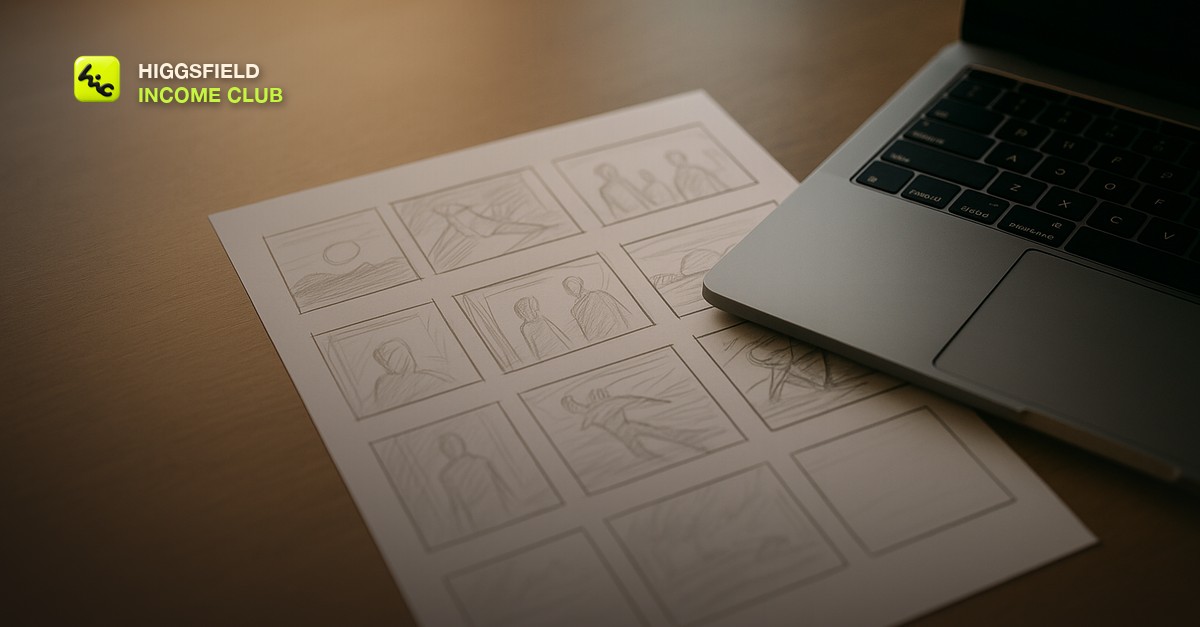
The fix was not a better model or a better prompt. It was writing down the shot list before generating a single frame, the same way a director blocks a scene before calling action.
What a working storyboard actually looks like
This does not need to be visual. A plain numbered list works, as long as each line answers three things: what is in frame, what moves, and how long the shot runs.
- Shot 1 (3s, wide): product sitting on a plain surface, static camera, establishes what the video is about.
- Shot 2 (4s, medium): hand enters frame and picks up the product, slow deliberate motion.
- Shot 3 (3s, close): product detail, subtle camera push-in, this is the shot that sells the texture or feature.
- Shot 4 (2s, wide): product back on the surface, camera pulls back, matches Shot 1's framing to give the video a clean loop point.
Notice Shot 4 deliberately echoes Shot 1. That is not an accident. Planning the first and last frame to rhyme is what makes a video feel intentional instead of like four unrelated clips stitched together.
Why this saves credits, specifically
Generating blind vs. generating from a storyboard
| Without a storyboard | With a storyboard |
|---|---|
| Each clip is a fresh idea, so lighting and wardrobe drift between shots | Every shot references the same setup, so continuity holds across clips |
| You discover the pacing is wrong only after all clips are generated | Shot durations are decided upfront, so the edit timeline is already correct |
| A bad clip means re-rolling with no clear direction on what to change | A bad clip means re-rolling one line of a written shot description |
Turning the storyboard into prompts
Once the shot list exists, each line becomes the seed for one prompt. Keep the subject and environment description identical across shots and only change the camera move and action, the same identity-lock approach that keeps a character consistent across a whole video. Generate one shot, check it against the shot before it, then move to the next line instead of generating all four at once.
Short, practical drops on income paths, prompts that work, packaging for views, and getting paid. No spam, unsubscribe anytime.
Frequently asked questions
Do I need drawing skills to storyboard an AI video?
No. A numbered text list describing what is in each shot, how it moves, and how long it runs is enough. The point is planning continuity before you generate, not producing artwork.
How many shots should a first AI video have?
Three to five is a reasonable starting point. Enough to tell a small story with a beginning, middle, and end, without so many that continuity becomes hard to track across generations.
What if a generated clip does not match my storyboard shot?
Re-roll that one shot with a tighter prompt referencing the same subject and environment description used in the shots around it. Do not regenerate the whole sequence, only the shot that broke continuity.
Does storyboarding work for single-clip videos too?
It matters less for a single clip since there is no continuity to break. It becomes essential the moment you are cutting two or more clips together into one video.
Last reviewed by David on August 6, 2026
