
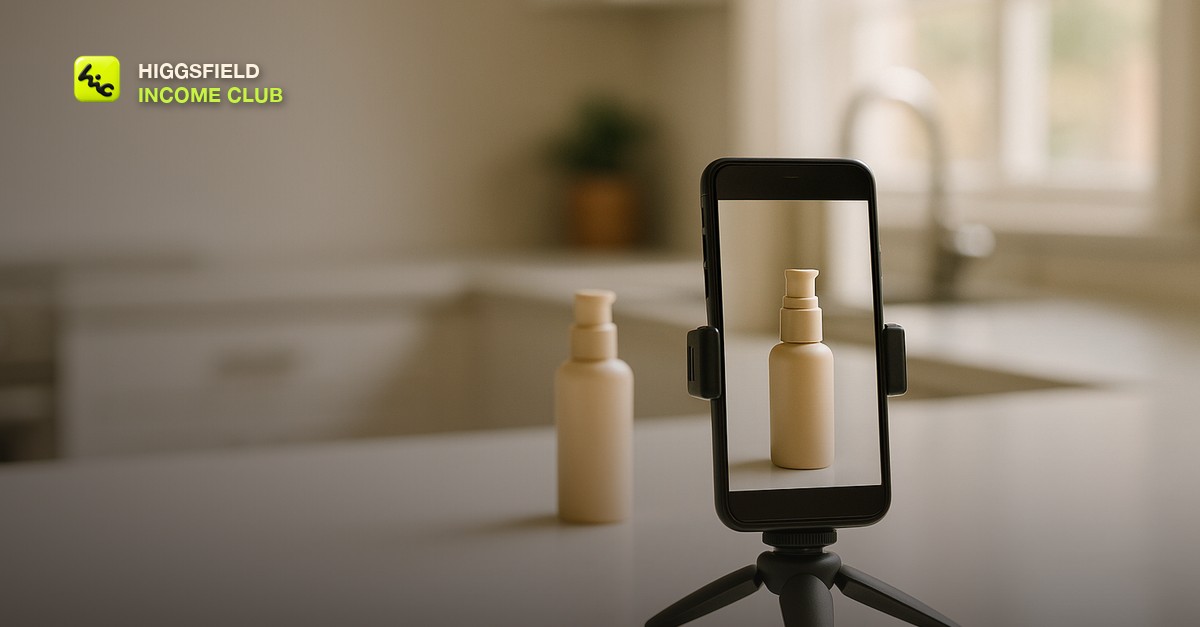
Why AI Video Is Bad at UGC by Default
To make UGC style AI video ads that convert, you have to deliberately generate lower production value: handheld camera drift, an ordinary domestic room, mixed indoor lighting, and framing that is slightly off. UGC works because it does not look like an advert, and AI video's default output is smooth, well-lit, and centred, which is exactly the signal that tells a viewer they are being sold to. The whole craft here is adding imperfection on purpose.
This trips people up because the skills are inverted from everything else in AI video. The prompt vocabulary that produces an impressive showreel - cinematic lighting, smooth dolly, shallow depth of field, colour grade - is a list of things to avoid. A UGC ad that looks like it was shot by a production company has already lost the only advantage the format has.
The Signals That Make Footage Read as Real
There is a fairly short list of visual signals people unconsciously use to sort real footage from advertising. Get these into the generation and the clip passes, miss them and no amount of casting or script fixes it. Build them into the prompt rather than trying to add them in the edit.
| Signal | What to prompt for | What kills it |
|---|---|---|
| Camera | Handheld, slight drift, small corrections | Smooth dolly, gimbal, tripod lock, crane |
| Lighting | Window light plus an overhead bulb, uneven, slight colour mix | Softbox, three-point, cinematic, golden hour |
| Location | A real kitchen, a car interior, a cluttered bathroom counter | Studio, seamless backdrop, minimal set |
| Framing | Slightly off-centre, too close, head near the top of frame | Rule of thirds, balanced composition |
| Lens feel | Phone front camera, everything in focus, mild distortion | Shallow depth of field, bokeh, 85mm portrait |
| Finish | Flat, slightly overexposed windows, no grade | Colour graded, filmic, high contrast |
Keep the Product Real
The single most common failure in AI UGC is the product itself. Generated packaging comes out with garbled label text, a logo that is nearly right, and proportions that look subtly wrong to anyone who has held the actual thing. Since the product is the one object the viewer will look at closely, this is where the illusion breaks first and hardest.
So do not generate the product. Shoot it, or use the client's existing photography, and composite it into generated environments. Where a shot must be fully generated, write the line so the product is out of focus, partially out of frame, or held in a way that hides the label. The same instinct applies as with any on-screen text, which we covered in [why AI videos look fake](/blog/why-ai-videos-look-fake) - the moment a viewer tries to read something, the generation loses.
- Use real product footage for every close shot. A phone clip of the actual bottle on a counter takes ten minutes and solves the whole problem.
- Generate the environment, the reaction, and the b-roll around it. That is where AI saves real time.
- In fully generated shots, keep the product small in frame or moving. Detail that is never held still is detail nobody scrutinises.
- Never generate a label. Even a good result reads as counterfeit to someone who knows the brand.
The Script Is a Person Talking, Not Copy
UGC scripts fail when they are written as advertising and then performed casually. Real people do not open with a value proposition. They open mid-thought, they name a specific annoyance, they get slightly off track, and they use the product's ordinary name rather than its marketing name. Writing that is a discipline, and reading a draft aloud catches most of it.
- Open on the problem in the speaker's own words, in the first two seconds. Not the category, the specific irritation.
- Say one thing about the product, not three. A list of features is the clearest advertising signal there is.
- Include one mild negative or hesitation. Saying it took a week to get used to buys more trust than any claim.
- Use plain contractions and let a sentence run on. Clean grammar reads as scripted.
- End on what changed, not on a call to action. The platform provides the button.
A Practical Production Order
The efficient way to build these is to treat the ad as three separate pieces and only generate the middle one. That keeps generation spend on the part where AI is genuinely faster, and keeps the risky elements out of the model's hands.
- Write the script first and time it. Twenty to thirty seconds is the working range for most feeds.
- Get or shoot the real product shots. Two or three angles on a counter, in hand, and in use is enough.
- Generate the environment and reaction clips. Prompt for a domestic room, phone camera, handheld, uneven light.
- Cut it in the order a person would tell the story, and let one cut be slightly early. Perfect timing reads as edited.
- Add captions the way a phone would burn them in, not the way an agency would design them.
Then make several openings for the same body. The first two seconds decide the result far more than anything after, and rotating hooks against the same footage is the cheapest testing available - the approach in [ai video hooks that stop the scroll](/blog/ai-video-hooks-that-stop-the-scroll) applies directly here.
Disclosure and What Not to Fake
There is a line worth being clear about. Generating a realistic person who describes an experience they never had, presented as a genuine customer testimonial, is a claim about a real result. That is a problem regardless of how convincing the clip is, and it is the kind of thing that costs a client far more than the ad earned. Ad platforms are also increasingly asking for AI disclosure, so build for that assumption rather than against it.
The version that works and stays defensible uses generated footage to demonstrate and illustrate rather than to testify. Show the problem, show the product being used, let the voiceover make claims the client can actually support. Real testimonials stay real, and generated footage carries the parts that were never claims in the first place.
Short, practical drops on income paths, prompts that work, packaging for views, and getting paid. No spam, unsubscribe anytime.
Frequently asked questions
Can AI video really make convincing UGC style ads?
Yes, but only if you generate lower production value deliberately. Handheld drift, an ordinary domestic room, mixed indoor lighting, and slightly off framing are what make footage read as real. The default AI output is smooth, well-lit, and centred, which is precisely the signal that tells a viewer they are watching an advert.
Why do my AI UGC ads still look like adverts?
Almost always because the prompt vocabulary is cinematic. Terms like smooth dolly, softbox lighting, shallow depth of field, and colour graded all push the output toward polish, and polish is the opposite of what this format needs. Describe it as filmed on a phone front camera in a real room with uneven light instead.
Should I generate the product itself?
No. Generated packaging produces garbled label text and proportions that look subtly wrong to anyone who has handled the real item, and the product is the one object viewers examine closely. Shoot the product on a phone or use existing client photography, then generate the environment and reaction footage around it.
How long should a UGC style AI ad be?
Twenty to thirty seconds for most feed placements, with the problem stated in the first two seconds. The opening decides the result far more than anything after it, so a productive approach is to build several different openings against the same body footage and rotate them rather than producing entirely separate ads.
Is it a problem to generate a fake customer testimonial?
Yes. A realistic generated person describing an experience they never had, presented as a genuine customer, is a claim about a real result and creates a liability for the client regardless of how convincing it looks. Use generated footage to demonstrate and illustrate, keep real testimonials real, and assume AI disclosure will be required.
What should the script sound like?
A person talking mid-thought rather than advertising copy performed casually. Open on a specific irritation in their own words, say one thing about the product rather than three, include a mild hesitation, and end on what changed instead of a call to action. Superlatives like amazing or game changing are the fastest way to break the illusion.
Last reviewed by David on August 17, 2026
