
Why Thanksgiving is the quiet paid window in Q4
Thanksgiving is the holiday AI video creators skip, and that is exactly why it pays. Halloween has the spectacle, Black Friday has the ad budgets, and Christmas has the volume, so most creators pitch those three and leave the last week of November empty. Meanwhile almost every restaurant, gym, salon, realtor, and shop posts some version of a thank-you message that week. They post it as a text graphic or a stock photo because nobody offered them anything better.
That is a soft, low-competition sale. You are not asking a business to run a campaign or spend on ads. You are offering to replace the thank-you post they were going to make anyway with something warm and cinematic that makes them look established. It slots neatly between the October work from [how to make AI Halloween videos](/blog/how-to-make-ai-halloween-videos) and the December deliveries from [how to make AI Christmas videos](/blog/how-to-make-ai-christmas-videos), and it is an easy add-on to the ad packages in [how to pitch Black Friday AI video ads before Q4](/blog/how-to-pitch-black-friday-ai-video-ads-before-q4).
The Gratitude Cut: the four-shot structure clients order
The Gratitude Cut is the club's structure for a Thanksgiving piece. It is four shots, it runs well under half a minute, and it works because it never sells anything. Businesses instinctively know that a thank-you post with a discount code in it feels wrong, so the structure keeps the promotion out and lets the warmth carry the brand.
The Gratitude Cut
| Shot | What is on screen | Why it is there |
|---|---|---|
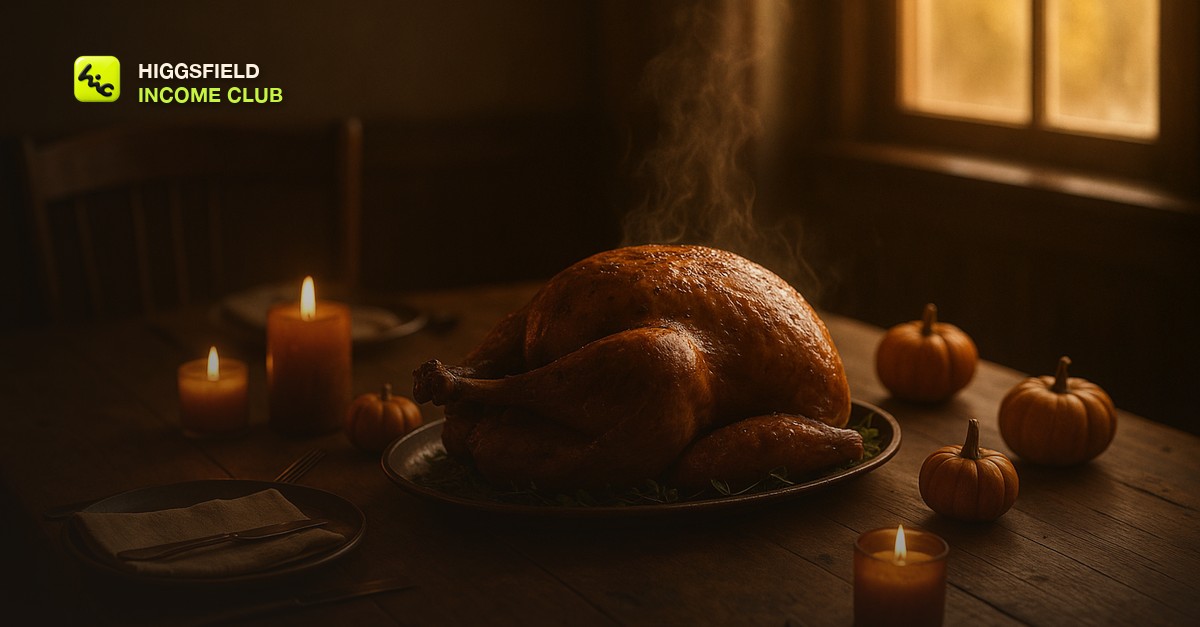
| 1. The table | A set autumn table, candles, steam, golden window light, slow push-in | Establishes the season and the mood in the first second |
| 2. The craft | The thing the business actually makes or does - a plated dish, a finished haircut chair, a staged living room, a workshop bench | Ties the season to the client without a logo or a pitch |
| 3. The thank-you | A calm, near-still frame with the client's short gratitude line overlaid in your editor | The message the client wanted to post in the first place, now with weight |
| 4. The loop | Return to the table shot, candle flicker or steam, so the end matches the start | Plays cleanly on repeat in feeds and Stories without a hard cut |
Shot two is where the money is. A generic autumn montage is nice; a piece that shows a bakery's pie case, a florist's centerpieces, or a realtor's warmly lit dining room is something the client cannot get from a template. Ask for two or three photos of their actual product or space and use the workflow in [how to turn a photo into an AI video](/blog/how-to-turn-a-photo-into-an-ai-video) so the craft shot is recognizably theirs. That single step is the difference between a piece they post once and a piece they ask you to make again next year.
Keep the transitions soft. Cross-dissolves and light-leak fades suit the mood far better than hard cuts, and the shot-to-shot craft is in [how to make smooth transitions between AI video clips](/blog/how-to-make-smooth-transitions-between-ai-video-clips). If the client wants a longer piece for their website or a Facebook Page post, add a second craft shot and a second table angle rather than stretching any one clip.
Sell in October, deliver by mid-November
The pitch window is October. Businesses plan their November posts in the weeks after Halloween at the latest, and a thank-you video that arrives the week of Thanksgiving is too late to be scheduled anywhere. Work backwards from a mid-November delivery and the timeline is comfortable.
- Early October: build two or three spec Gratitude Cuts for niches you want - a restaurant, a service business, a retail shop - using your own prompts so you have something to show. The spec-reel approach in [how to make an AI video demo reel to land clients](/blog/how-to-make-an-ai-video-demo-reel-to-land-clients) applies here in miniature.
- Mid October: pitch it as the low-effort first piece of a holiday bundle. Lead with the fact that they will post a thank-you anyway and you are making it look like they hired a crew.
- Late October: collect two or three photos of each client's product or space for the craft shot, plus their gratitude line in their own words. Do not write it for them - their phrasing is what makes it theirs.
- First week of November: generate, assemble, and send a first cut. Cap revisions using the approach in [how to handle client revisions on AI video](/blog/how-to-handle-client-revisions-on-ai-video) so the holiday does not eat your margin.
- Mid November: deliver the final in vertical and square formats so it works in Stories, Reels, and a feed post without a second render.
On price, treat it as a single-deliverable piece rather than a campaign, and anchor it to the bundle. The pricing logic in [how to price AI video services for clients](/blog/how-to-price-ai-video-services-for-clients) still governs - price the outcome and the polish, not your generation cost - but the gratitude piece is deliberately the accessible entry point that gets a business to say yes to the Black Friday and Christmas pieces behind it. And because the footage is seasonal but not dated, the same table shots work again next year with a new craft shot, which is the same reuse logic that makes [AI year-in-review videos for clients](/blog/how-to-make-ai-year-in-review-videos-for-clients) worth building once.
Inside the Higgsfield Income Club at higgsfieldincomeclub.com, $9/month, creators share the Thanksgiving prompts that are producing clean tables and steam right now, the bundle pitch that gets local businesses to say yes in one message, and what fell flat last season. If you want November to be a paid month instead of a gap between Halloween and Christmas, start from what is already selling.
Short, practical drops on income paths, prompts that work, packaging for views, and getting paid. No spam, unsubscribe anytime.
Frequently asked questions
When should I start making AI Thanksgiving videos?
Build spec pieces in early October and pitch by mid October. Businesses schedule their November posts in the weeks after Halloween, so a first cut in the first week of November and a final by mid November keeps you ahead of every client's calendar. A video that arrives Thanksgiving week is too late to be used.
What prompts make AI Thanksgiving videos look professional?
Describe the light and the surfaces, not the holiday. Ask for golden window light or candlelight, an amber and cream palette, linen and worn wood textures, and slow motion like rising steam or a gentle push-in. Keep faces and hands out of the frame and add any text in your editor rather than in the prompt.
Can I sell AI Thanksgiving videos to local businesses?
Yes, and it is one of the easiest holiday sales because nearly every business posts a thank-you message that week and almost none have video for it. Pitch it as a gratitude piece rather than a promotion, use a photo of their real product or space for one shot so it is recognizably theirs, and bundle it with Black Friday and Christmas work.
How long should an AI Thanksgiving video be?
Short. The Gratitude Cut is four shots and runs well under half a minute, which suits Stories, Reels, and feed posts and loops cleanly. If a client wants a longer piece for their website, add a second craft shot and a second table angle rather than stretching any single clip.
What is the Gratitude Cut?
It is the club's four-shot structure for Thanksgiving pieces: a warm table establishing shot, a shot of the client's actual craft or space, a calm frame carrying their thank-you line, and a closing loop back to the table. It works because it never sells anything - the warmth carries the brand.
Last reviewed by David on September 25, 2026
