
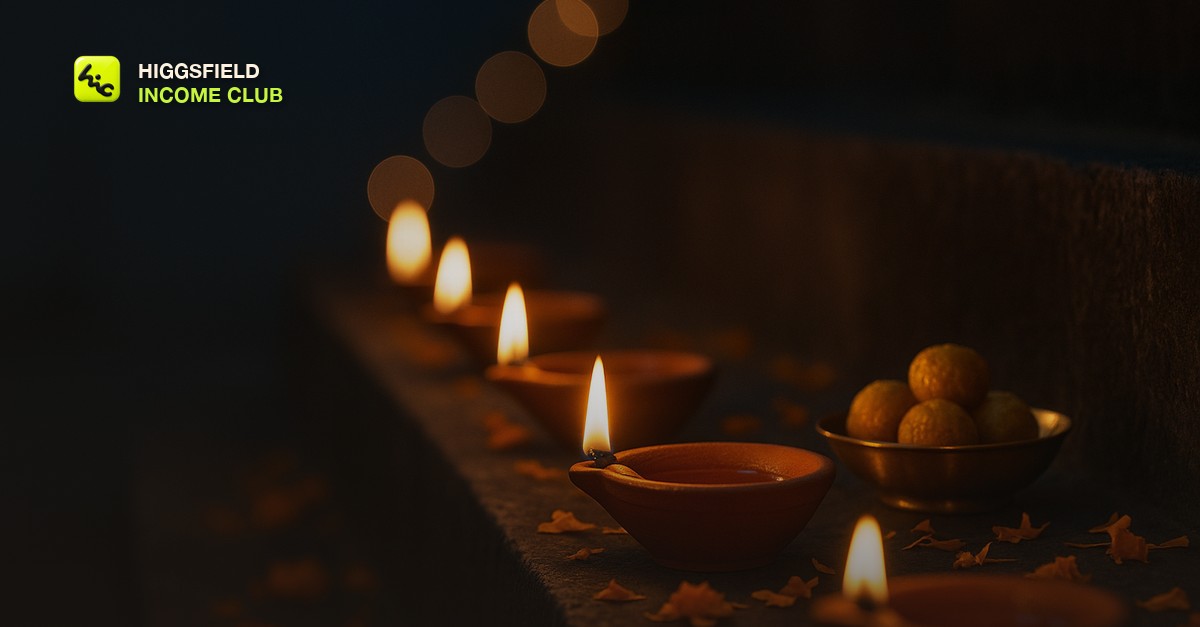
Why Diwali is the biggest seasonal sale most AI video creators skip
Diwali is the festival of lights, and for the businesses that live on it, it is the gifting season of the year. Jewelers, sweet shops, clothing boutiques, home decor and lighting stores, electronics retailers, restaurants, hotels, and corporate gifting companies all promote for weeks before the day. Most of them post a static graphic with a lamp on it, because nobody offered anything better. If you sell AI video to local or online businesses and you have never pitched a Diwali piece, you are skipping a client list as clean as the Christmas one, and in many markets a bigger one.
The date is the one thing to get right before you write a single message. Diwali follows the lunar calendar, so it lands in late October or early November and moves each year. Confirm the exact date for the year you are selling, then count back from Dhanteras, the shopping day two days before Diwali that opens the buying window for gold, jewelry, and household goods. The sale itself is two cuts from one production, the same shape as [how to make AI Christmas videos](/blog/how-to-make-ai-christmas-videos): a shopping-season cut that carries the offer and runs from about three weeks out through Dhanteras, and a shorter greeting cut the business posts on Diwali itself.
The Diya Chain: the three-beat structure clients order
The Diya Chain is the club's structure for a Diwali piece. It has three beats, it runs 12 to 20 seconds, and it loops. The whole video is one space, a storefront, a counter, or a home threshold, going from dusk to light. That single idea is what separates it from the stock clip of lamps and sparklers, and it is what makes the piece feel like it belongs to a specific jeweler or a specific sweet shop rather than to Diwali in general.
The Diya Chain
| Beat | What is on screen | Prompt cue |
|---|---|---|
| 1. Dusk | The unlit threshold: a row of clay lamps on a stone step, marigold petals scattered on the ground, a brass tray of sweets, a shop counter at blue hour | Blue hour, deep midnight blue, still air, slow push-in, unlit lamps, marigold and gold accents, nothing moving yet |
| 2. First flame | The one moment of change: a single diya catching, the flame steadying, its light reaching the next lamp in the row | One motion only, slow, shallow depth of field, warm saffron flame against blue, everything else locked still |
| 3. Full glow | The whole row lit, string lights soft in the background, the client's product warm in the lamplight, room in the frame for text | Slow pull-back or gentle tilt, warm gold, soft bokeh, calm, clean negative space in the upper third |
The shopping cut ends on beat three with the offer as text over the lit scene. The greeting cut ends on the same frame with a single warm line. Both come from one set of generations, which is why the piece is profitable: the greeting cut is sold as a small add-on and costs you a text change.
The firsthand lesson from my own Diwali runs is that beat two is the one to protect. Ask the model for a lamp lighting, petals blowing, and sparklers in one shot and the flame smears into the petals. Ask for one flame to catch and hold and it holds. The first flame is the moment the client is paying for, so give it a whole generation and keep everything else in the frame still.
Sell in the first two weeks of October, deliver a week before Dhanteras
The calendar is tight because the posting window is fixed to the date. A jeweler wants the shopping cut live about three weeks before Diwali, and a sweet shop wants pre-orders filling before Dhanteras. Both want the file in hand well before the busiest week of their year. For a late-October or early-November Diwali, six weeks out lands in the second half of September, which means the pitch goes out the week you read this. Work back from Dhanteras.
Diwali production calendar
| When | What you do | Why then |
|---|---|---|
| Six weeks before Diwali | Pitch the Diwali piece to every client who bought seasonal work before, plus the fixed list: jewelers, sweet shops, clothing boutiques, home decor and lighting stores, electronics retailers, restaurants, hotels, corporate gifting companies | They are planning the festival promotion now and almost none have commissioned video for it |
| Five weeks before | Generate the shared beat one and beat two bases, then beat three from each client's own product photo or storefront | Beats one and two can share a base across clients; beat three is what makes each piece theirs |
| Four weeks before | Assemble the shopping cut and the greeting cut, add the offer and the greeting text, send both for one round of feedback | Leaves a week of slack before the shopping cut needs to go live |
| Three weeks before, at the latest a week before Dhanteras | Deliver final files in the client's platform formats with a one-line posting note: shopping cut now through Dhanteras, greeting cut on Diwali | Nobody wants to be chasing a file in the week the shop is fullest |
Pricing follows the same logic as the other seasonal pieces: a flat fee for the shopping cut, a small add-on for the greeting cut, both priced off the day-rate math in [how to price AI video services for clients](/blog/how-to-price-ai-video-services-for-clients). The shopping cut is the one that matters strategically, because a jeweler whose Dhanteras filled up with your video is the easiest retainer conversation of the winter, and the structure for that pitch is in [how to sell AI video on a monthly retainer](/blog/how-to-sell-ai-video-as-a-monthly-retainer). The local pipeline in [AI video for local businesses](/blog/ai-video-for-local-businesses) is where most of these clients come from, sweet shops and decor stores that ship nationally fit the listing work in [AI video for Etsy and Shopify product listings](/blog/ai-video-for-etsy-and-shopify-product-listings), and the corporate gifting companies are found through [how to post AI video on LinkedIn to land clients](/blog/how-to-post-ai-video-on-linkedin-for-clients). If you have no clients yet, post your own Diya Chain three weeks out and let the businesses who share it become the ones you pitch.
Inside the Higgsfield Income Club at higgsfieldincomeclub.com, $9/month, creators share the Diwali prompts that are producing clean flame and petal reveals right now, the October message that gets seasonal clients to add the Diwali piece in one reply, and the shopping cuts that turned into winter retainers. If you want October to be a paid month instead of a quiet one before the December rush, start from what is already selling.
Short, practical drops on income paths, prompts that work, packaging for views, and getting paid. No spam, unsubscribe anytime.
Frequently asked questions
What should an AI Diwali video actually show?
Three beats: an unlit threshold or storefront at dusk, the single moment a first diya catches and its light reaches the next lamp, and the full glow of the lit space with room for text. The club calls this the Diya Chain. Starting from a photo of the client's real necklace, sweet box, or lamp set for the final beat is what makes the piece feel like theirs rather than a stock lamps-and-sparklers clip.
Why do AI rangoli and fireworks look wrong, and how do I avoid it?
Symmetrical rangoli patterns drift and lose their geometry across frames in most AI video models, and fireworks strobe and flicker. Describe scattered marigold petals or a simple ring instead of an intricate pattern, leave fireworks out entirely, and give each shot one slow motion only. Let the flames, the petals, and the palette carry the meaning.
Should I put the Diwali greeting text in the prompt?
No. Any lettering in the prompt, in any language or script, comes out as gibberish in most models. Generate the scene clean and add the greeting, the shop name, the offer, and the price in your editor. That also lets you sell the greeting cut as an add-on, because it is a text change on the same footage.
When should I sell Diwali videos to clients?
Pitch six weeks before Diwali, generate at five weeks, assemble and get feedback at four, and deliver at three weeks out, or at the latest a week before Dhanteras, the shopping day two days before Diwali. Because the date moves each year with the lunar calendar, confirm it for the year you are selling before you send the first message.
What is the Diya Chain?
It is the club's structure for an AI Diwali piece: a dusk beat with the lamps unlit, a single slow motion of the first flame catching, and a full-glow beat with the client's product in the lamplight and space for text, running 12 to 20 seconds and looping. One set of generations produces a shopping-season cut with the offer and a greeting cut for Diwali itself, which is why the piece is profitable to sell.
Last reviewed by David on September 28, 2026
