
How to control camera motion in AI video
You control camera motion by giving the model exactly one move, one direction, and one speed, then describing the frame so specifically that there is nothing left for it to improvise. A prompt that says slow dolly in toward the subject, camera at chest height, subject stays centered will hold. A prompt that says cinematic dynamic camera will not, because dynamic is not an instruction, it is a mood, and the model resolves moods by guessing.
That is the whole principle. Everything below is how to apply it without the shot falling apart halfway through, which is where most people actually lose the clip.
Why generated camera moves drift
A video model is predicting a sequence of frames, not operating a camera. It has no rig, no dolly track, no operator holding a move steady for six seconds. So when you ask for motion, you are asking it to keep a spatial relationship consistent across every frame it generates, and consistency is exactly the thing that decays as a clip runs longer.
This is why a push in often starts clean and then wanders. The first second has strong grounding from your prompt. By second five, the model is mostly predicting from its own previous frames, and small errors compound. It is the same failure mode behind the warping and morphing covered in [why AI videos look fake](/blog/why-ai-videos-look-fake), just expressed through the camera instead of the subject.
The practical consequence is that motion control and clip length are the same problem. A tightly held move over four seconds is easy. The identical move over twelve seconds is a different job, and usually the honest answer is to generate two clips and cut, which is exactly what [how long should AI videos be](/blog/how-long-should-ai-videos-be) works through.
The four moves that carry almost every shot
I have generated thousands of clips for the club and for client work, and the honest breakdown is that four moves cover the overwhelming majority of anything I actually ship. Exotic camera work looks impressive in a showreel and fails in production, because the more unusual the move, the less reference the model has for holding it steady.
The four reliable camera moves and what each one is for
| Move | How to phrase it | What it is for |
|---|---|---|
| Slow push in | slow dolly in toward the subject, steady, subject stays centered | Building tension or focus. The default opener for anything that needs to feel serious. |
| Slow pull out | slow dolly out, revealing the surrounding room, steady | Reveals and endings. Gives context you deliberately withheld. |
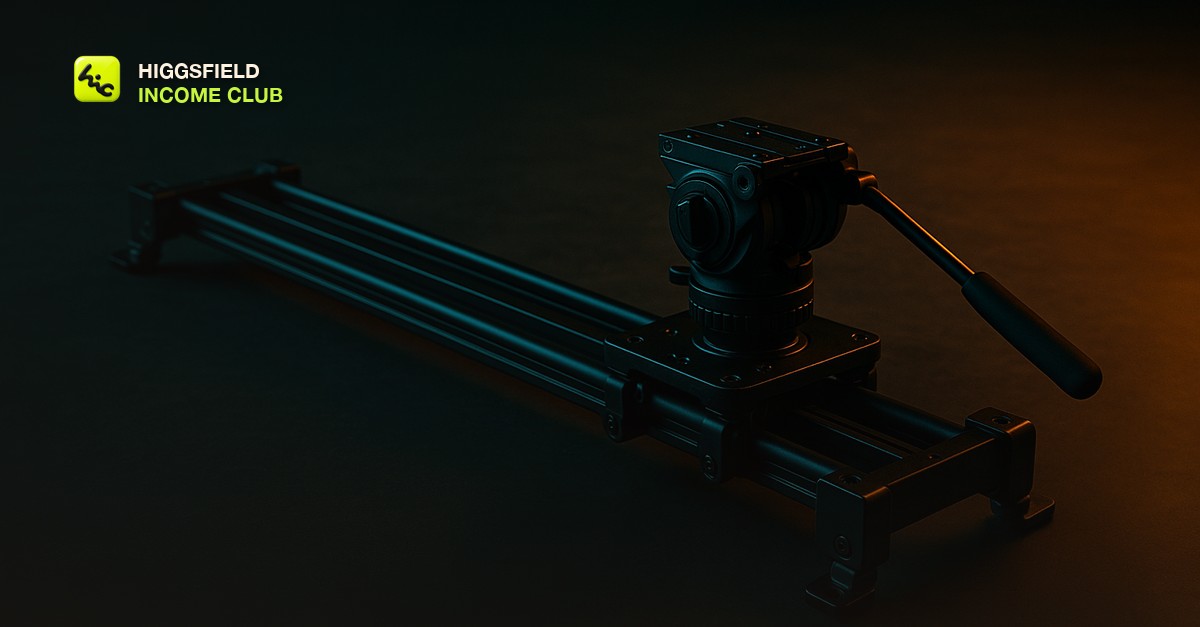
| Lateral track | camera tracks slowly left to right, subject holds frame position | Product and environment shots. Reads as expensive because real lateral tracking needs a rig. |
| Locked off | static camera, no movement, tripod locked | Anything where the subject is doing the work. Also your fallback when a move keeps failing. |
The three-part motion line
Every motion instruction I write has three parts and no more. Move, direction, speed. Slow dolly in. Steady lateral track left to right. Gentle tilt up. If your motion line has more than three parts, you are stacking, and stacking is what produces the averaged mush.
- Name the move. Dolly, track, pan, tilt, or static. Use the film word, not a vibe word, because film words have consistent visual meaning in the training data and vibe words do not.
- Name the direction. In, out, left, right, up, down. Ambiguity here is where the model picks for you, and it usually picks the least interesting option.
- Name the speed. Slow and steady are the two words that do the most work in the entire prompt. Fast moves amplify every artifact the model produces.
- Then stop. Do not add a second move, a focus change, and a zoom. Put those in separate clips and cut between them.
The reason this works is the same reason the prompt structure in [how to write Higgsfield video prompts that get results](/blog/how-to-write-higgsfield-video-prompts-that-get-results) works. You are removing decisions from the model, one at a time, until the only thing left for it to do is render what you already specified.
Lock the frame so the move has somewhere to go
A camera move is a change in relationship between the lens and the subject. If the subject is vaguely described, there is no stable relationship to change, and the move has nothing to anchor to. So the fix for a drifting camera is frequently not in the motion line at all, it is in the subject line.
Specify camera height, because chest height and knee height produce completely different shots and the model will pick randomly if you do not say. Specify the lens feel, because wide angle and telephoto change how a push in reads, dramatically. Specify where the subject sits in frame, because centered and off to the left behave differently as the camera moves.
If the same subject needs to appear across several clips with the same camera language, that is a consistency problem before it is a motion problem, and [Higgsfield character consistency](/blog/higgsfield-character-consistency) covers the anchoring approach that has to be in place first.
Testing motion without burning your generation budget
Motion prompts fail in predictable ways, so test them cheaply. Generate the shortest version the tool allows first. If the move holds for four seconds, it will usually hold for six. If it is already wobbling at four, no amount of extending will fix it and you are only paying to watch it get worse.
- Run the shortest duration first, always. You are testing whether the move holds, not producing the final clip.
- Change one variable per regeneration. If you change the move and the subject and the lighting at once, you learn nothing about which one broke it.
- Keep the prompts that hold. A move that works on one subject usually works on similar subjects, and that is the beginning of a reusable library rather than starting cold every time.
- Watch the last second, not the first. The first second almost always looks fine. Degradation lives at the end.
Once you have a handful of motion lines that reliably hold, stop rewriting them from scratch. Save them, label them by what they are for, and reuse. That habit is the whole subject of [how to build an AI video prompt library](/blog/build-an-ai-video-prompt-library), and it is the difference between generating for an hour and generating for ten minutes.
When to stop fighting the prompt
There is a point where the honest move is to accept that the shot is not going to hold and change the shot. If you have run six variations of a complex crane move and every one degrades, the model is telling you something. Rebuild it as two simpler clips and cut between them. The audience sees a cut, which is invisible, instead of a warp, which is not.
This is not a compromise, it is how real edits are built anyway. Almost no finished video holds one continuous complicated move. It holds a series of simple ones, joined at the right moments, which is exactly what [the AI video editing workflow for creators](/blog/ai-video-editing-workflow-for-creators) is set up to produce.
Short, practical drops on income paths, prompts that work, packaging for views, and getting paid. No spam, unsubscribe anytime.
Frequently asked questions
Why does my AI video camera move start well and then fall apart?
Because the model predicts later frames largely from its own earlier ones, so small errors compound as the clip runs. Generate the shortest duration first to check whether the move holds, and if it degrades by the end, split it into two shorter clips and cut between them.
Can I combine two camera moves in one AI video clip?
You can ask, but you usually should not. Stacking a dolly, a pan, and a focus change gives the model competing instructions and it averages them into unclear motion. Use one move per clip and cut between clips to get the combined effect.
What camera terms actually work in AI video prompts?
Real film vocabulary works because it appears consistently in training data with consistent visual meaning. Dolly, track, pan, tilt, and static are reliable. Mood words like cinematic or dynamic are not instructions and leave the model to guess.
Should I specify camera speed in the prompt?
Yes, and slow is usually the right answer. Fast movement amplifies every artifact the model produces, while slow steady motion hides them and reads as more expensive footage.
Is a static shot a failure in AI video?
No. A locked off shot where the subject or the light carries the motion is a legitimate and often superior choice. Viewers never notice a missing camera move, but they always notice a wobbling one.
Last reviewed by David on August 14, 2026
