
The Problem With One-at-a-Time Creation
If you generate a clip, edit it, post it, and repeat daily, you spend most of your time in context-switching overhead. Opening the platform, setting up prompts, waiting for generation, downloading, editing, captioning - for one piece of content a day, this might take 45-90 minutes. Scaled to seven posts per week across three platforms, it becomes a second full-time job.
The Batch Workflow
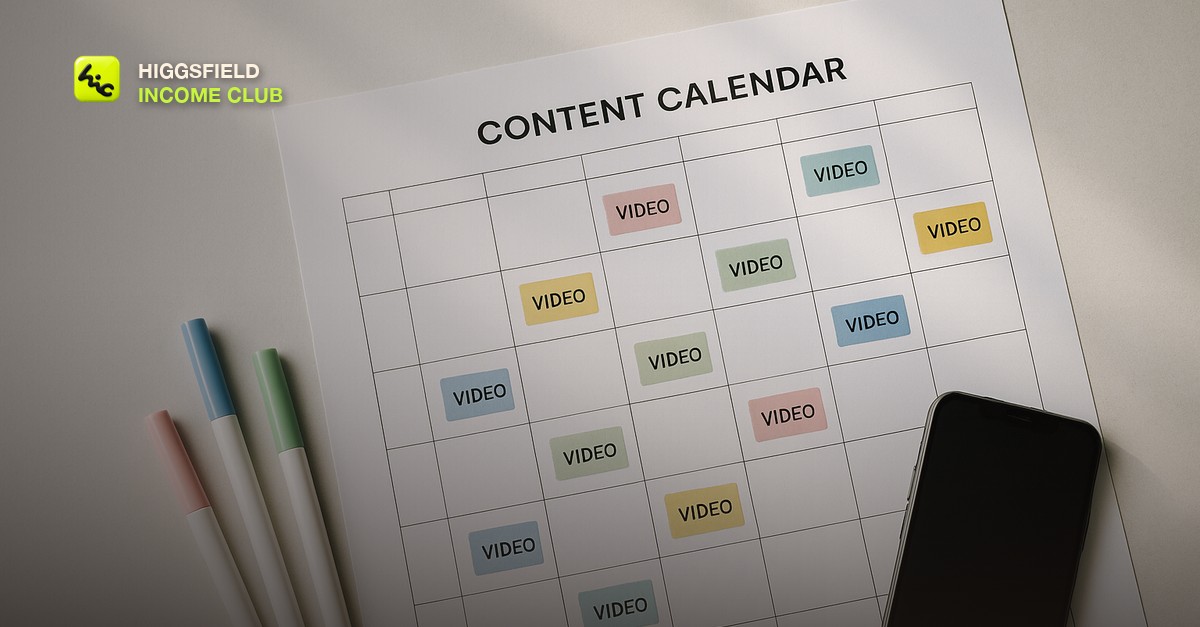
Set aside one half-day per week for generation and one half-day for editing and scheduling. On generation day: write all your prompts for the week in a document, run them in Higgsfield in batches, download everything, and organize into folders by platform. On editing day: cut clips, add music and captions, export in platform-specific formats, and schedule using a tool like Buffer or Later.
- Monday - write all prompts for the week (30-45 minutes)
- Tuesday - run all generations, download, organize (2-3 hours)
- Wednesday - edit, caption, and schedule everything (2-3 hours)
- Thursday-Sunday - posts go live automatically, you spend time engaging not creating
Organizing Your Generated Library
Create a folder structure by content theme, not by date. Themes might include: lifestyle-morning, product-context, abstract-movement, talking-point-broll. When you generate good clips on a theme, they go into that folder. Over time you build a clip library that you can pull from for new projects without always starting from scratch.
Repurposing Across Platforms
One generation session can produce clips suitable for multiple platforms with minor edits. A 30-second vertical clip for TikTok can become a 15-second Reel, a YouTube Shorts clip, and a LinkedIn video with different captions. Generate once, distribute everywhere. This multiplies the output from a single batch session.
Short, practical drops on income paths, prompts that work, packaging for views, and getting paid. No spam, unsubscribe anytime.
Frequently asked questions
How many clips can I generate in a single Higgsfield session?
It depends on your credit balance and the model you are using. On a moderate credit plan, you can typically generate 20-40 clips in a session. Plan your batch around your credit budget.
What editing tool should I use for AI video batches?
CapCut is the most popular for social-first content - it is free, has good templates, and exports in platform-optimized formats. DaVinci Resolve is better for more cinematic output. For pure speed, CapCut wins.
How far in advance should I schedule social content?
One to two weeks ahead is a comfortable buffer. More than that and you may miss trends or timely moments. Less than a week creates constant pressure. Two weeks gives you enough runway to batch properly without being too far ahead.
Last reviewed by David on August 2, 2026
