
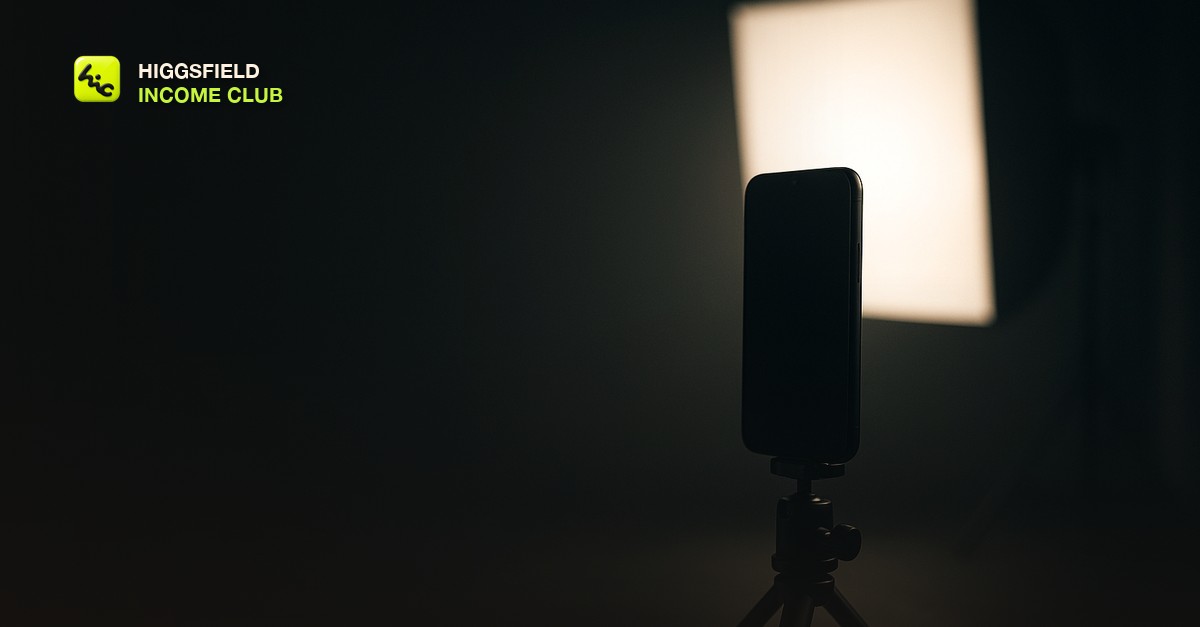
What faceless actually costs you
Faceless content removes the single strongest attention mechanism there is. Humans are wired to look at faces, and a creator on camera gets a fraction of a second of free attention on every post before anyone has decided whether they care.
Going faceless means giving that up, so everything else has to work harder. This is worth saying plainly because most advice treats faceless as a simplification. It is not. It is a trade, and the thing you trade away has to be replaced by visual interest in the opening frame.
The first second is the whole job
Judge your Reel by whether the very first frame would stop you personally if it appeared mid-scroll. Not the concept, not the caption, the frame.
This is where AI generation has a genuine structural advantage. A phone camera can produce a competent opening shot. It cannot easily produce an impossible one, and impossible is what interrupts a scroll. Unusual scale, motion that should not be physically possible, a perspective nobody could film.
- Motion in the first frame, not a static image that starts moving after half a second.
- One clear subject. Busy compositions read as noise at thumbnail size.
- High contrast, because most viewing happens on a dim phone in a bright room.
- Something slightly wrong with the scene, so the eye stays to work out what.
Hook, hold, payoff
Every Reel that works has the same three-part shape, and the timings matter more than the content.
The structure of a faceless Reel
| Part | Length | Job |
|---|---|---|
| Hook | 0 to 1 second | Stop the scroll on visual interest alone |
| Hold | 1 to 3 seconds | Create a question the viewer wants answered |
| Payoff | 3 to 15 seconds | Answer it, and end before attention drops |
Keep the whole thing under twenty seconds while an account is small. Completion and rewatch are what the feed responds to, and a short clip watched twice is a much stronger signal than a longer one abandoned at forty percent.
The sameness problem
This is the failure mode nobody warns you about. AI video makes it easy to produce a large volume of clips that all share a look, because the same prompt structure and the same settings produce the same aesthetic.
Once every post looks like every other post, the audience stops registering new uploads as new. Engagement flattens even though nothing about the quality changed, and it is very hard to diagnose from inside because each individual clip still looks fine.
The fix is deliberate variation: alternate bright and dark, alternate wide and close, alternate fast and slow. Lay your last ten posts out as a grid and look at them together rather than individually. If they blend, that is the problem.
Sound and captions
A large share of viewing happens with the sound off, so the Reel has to work silently. Captions are not an accessibility afterthought here, they are the primary channel for anything you need the viewer to actually understand.
Then treat audio as the second pass. Sound design does a lot of work in making generated footage feel real rather than synthetic, which is covered properly in [sound design for AI generated videos](/blog/sound-design-for-ai-generated-videos).
Cadence and what to measure
Consistency beats volume. A steady few posts a week that you can sustain for months outperforms a heavy burst followed by a gap, because the gap is where an audience quietly forgets you exist.
On measurement, ignore follower count early. Watch the retention graph, specifically where the drop happens. A cliff in the first second is a hook problem. A steady slide from three seconds is a pacing problem. Those need different fixes, and follower count tells you neither.
There is more on which numbers are worth watching in [the metrics that actually matter for AI video creators](/blog/the-metrics-that-actually-matter-for-ai-video-creators).
Short, practical drops on income paths, prompts that work, packaging for views, and getting paid. No spam, unsubscribe anytime.
Frequently asked questions
How long should a faceless Instagram Reel be?
Under twenty seconds while the account is still small. Completion and rewatch carry more weight than duration, so a short clip watched through twice is a stronger signal than a longer one abandoned partway.
Do faceless Reels perform worse than on-camera ones?
They give up the free attention a human face earns, so the opening frame has to do that work instead. Faceless accounts do perform, but only when the first second is genuinely arresting on its own.
Why did my faceless account stop growing?
Most often visual sameness. When every clip shares the same look, the audience stops registering new posts as new. Lay your last ten out together, and if they blend, deliberately alternate bright and dark, wide and close, fast and slow.
Do I need voiceover on a faceless Reel?
Not necessarily, but you do need captions, because a large share of viewing happens muted. Make the Reel work silently first, then add audio as a second pass to make the footage feel less synthetic.
How often should I post?
Consistently rather than heavily. A few posts a week you can sustain for months compounds better than a large burst followed by a gap, because gaps are where an audience forgets the account.
Last reviewed by David on August 13, 2026
